UI Catalog for Elm applications built by elm-ui inspired by Storybook
- UI Catalog that shows
viewfunctions for development with atomic design. - Pure Elm tool. Only
elm install miyamoen/bibliopola. - Bibliopola make main
Program, so you can useelm makeorelm reactor, and so on. - Start to write single Elm file that has
viewfinctions.
See examples.
git clone https://github.com/miyamoen/bibliopola.git
cd bibliopola
elm reactor
In browser, open http://localhost:8000, then go to examples folder.
viewthat takes no arguments
Open Hello.elm file.
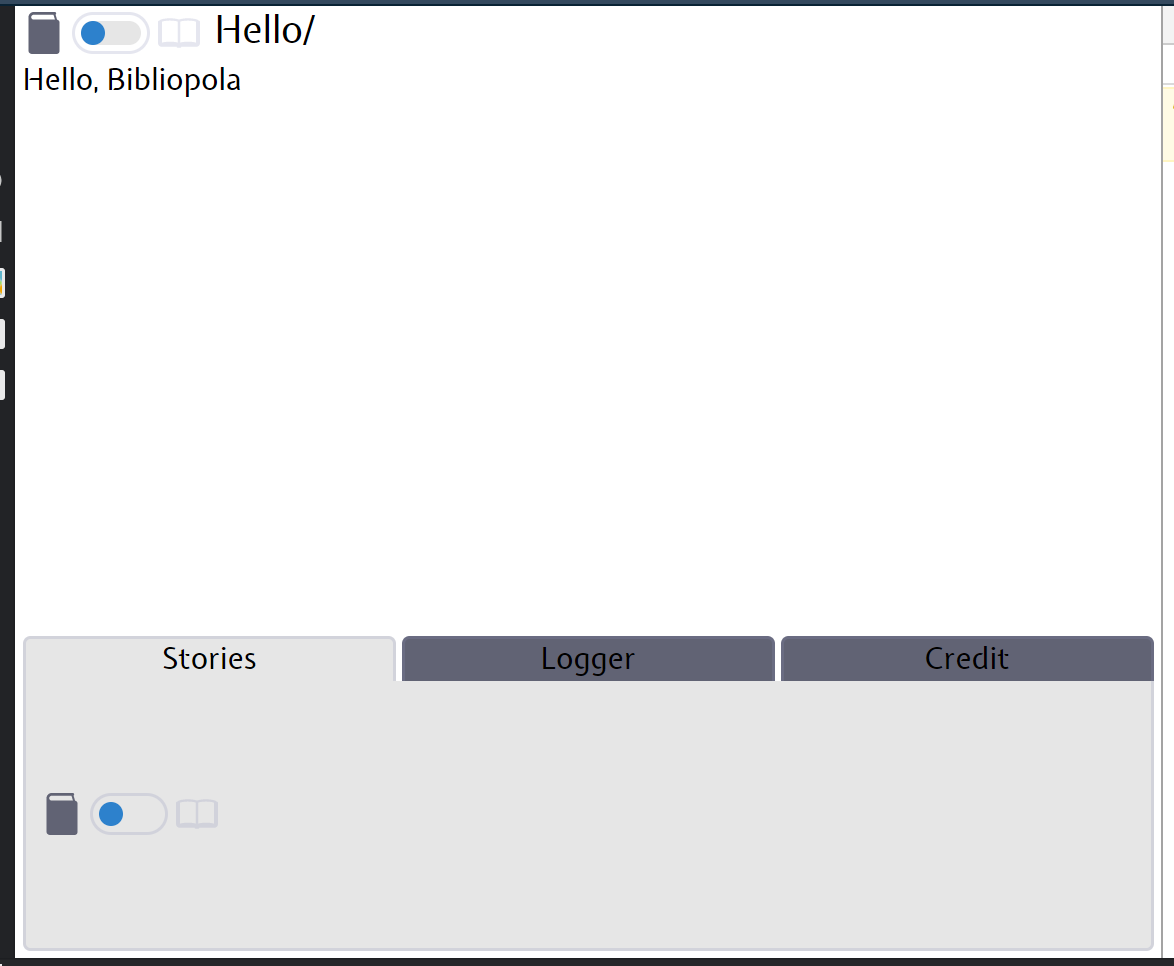
Your view function:
view : Element msg
view =
    text "Hello, Bibliopola"
On top left corner, "Hello, Bibliopola" shows up.
First of all, create a Book:
book : Book
book =
    bookWithFrontCover "Hello" view
Book type requires view. bookWithFrontCover requires book title such as "Hello" and view that has type of Element. Bibliopola shows a front cover of book at first.
Now, create main Program:
main : Bibliopola.Program
main =
    fromBook book
First Bibliopola has been finished!
note: a word of 'Bibliopola' means a book shop in Latin.
viewthat takes one argument
Open HelloYou.elm file.
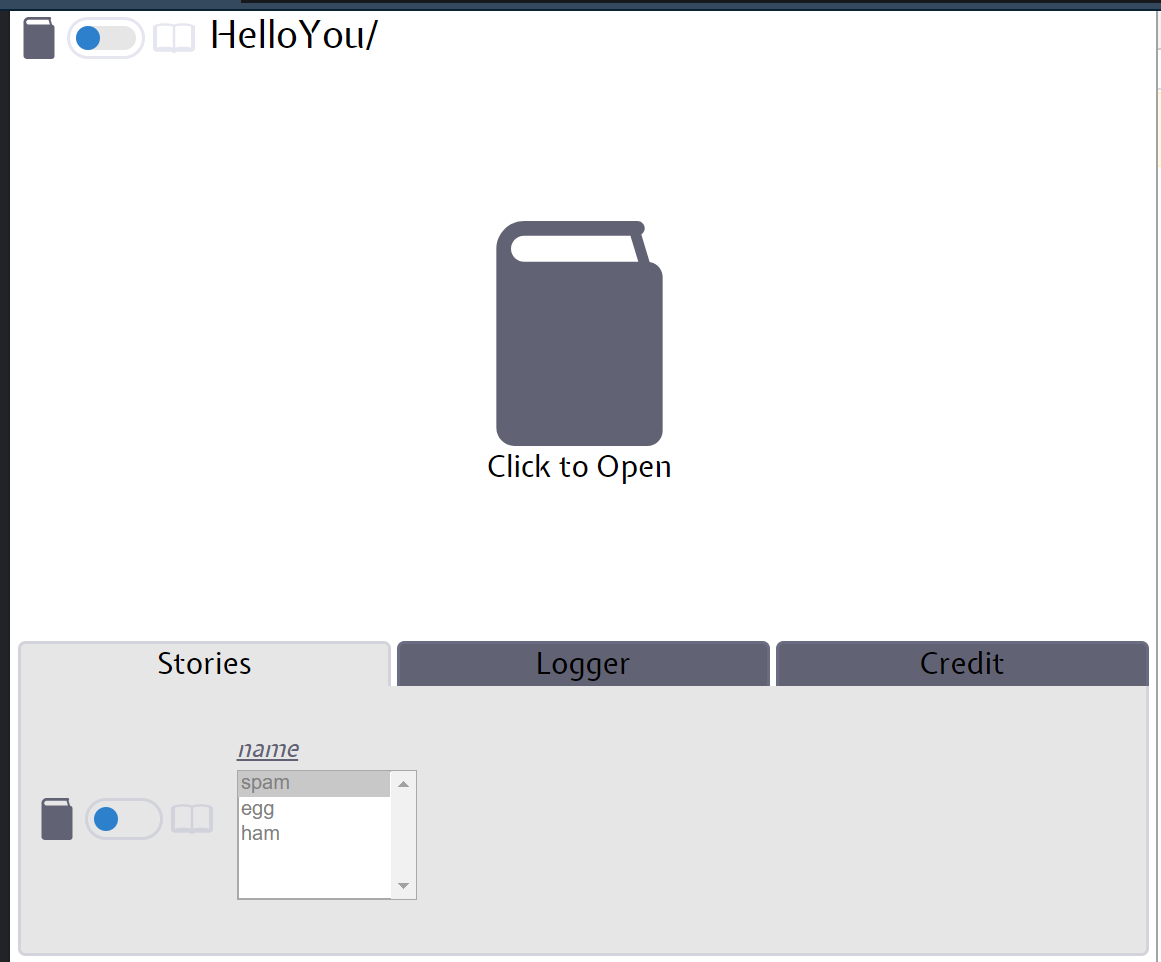
This book does not specify a front cover, then book icon shows up. To click, you can see "Hello, spam". You can select options with select box at the bottom of the screen.
Your view function:
view : String -> Element msg
view name =
    text <| "Hello, " ++ name
It takes one argument, String.
book : Book
book =
    intoBook "HelloYou" identity view -- : IntoBook msg (String -> Element msg)
        |> addStory (Story.build "name" identity [ "spam", "egg", "ham" ]) -- : IntoBook msg (Element msg)
        |> buildBook -- : Book
        -- |> withFrontCover (view "Bibliopola") -- Add first view of Book
IntoBook msg view type used for building Book. First argument of intoBook, String, is book title. Second argument, msg -> String, is for message logger. Last srgument is your view function.
In Bibliopola, arguments of view is called Story. Story a type means that Story has list of type a and this list is options for argument of view function.
At last, buildBook turns IntoBook to Book.