Simple vimium/vimperator style navigation for Windows applications based on the UI Automation framework. In essence, it works the same as screen readers or accessibility programs but with the goal of making any Windows program faster to use.
It works for any Windows program (excluding Modern UI apps :))
https://github.com/zsims/hunt-and-peck/releases/tag/release%2F1.4
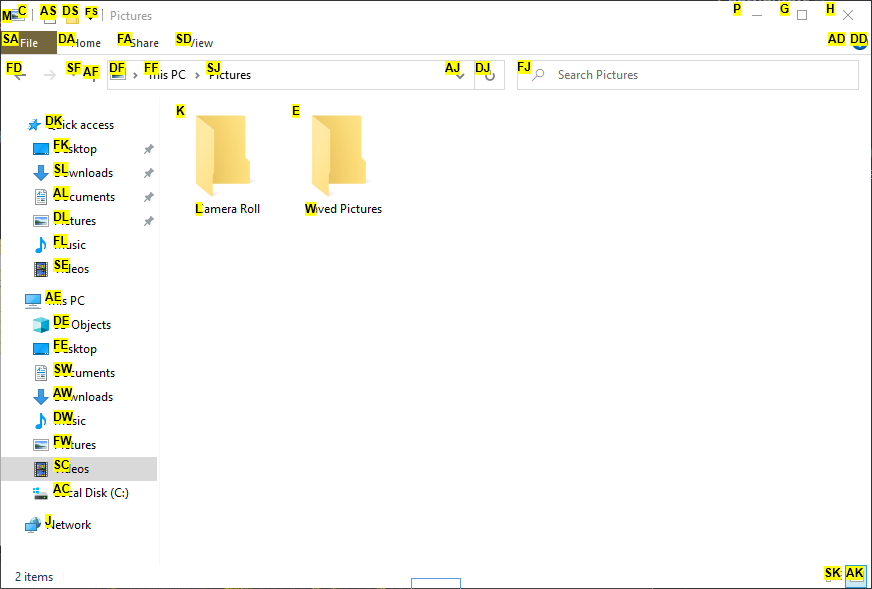
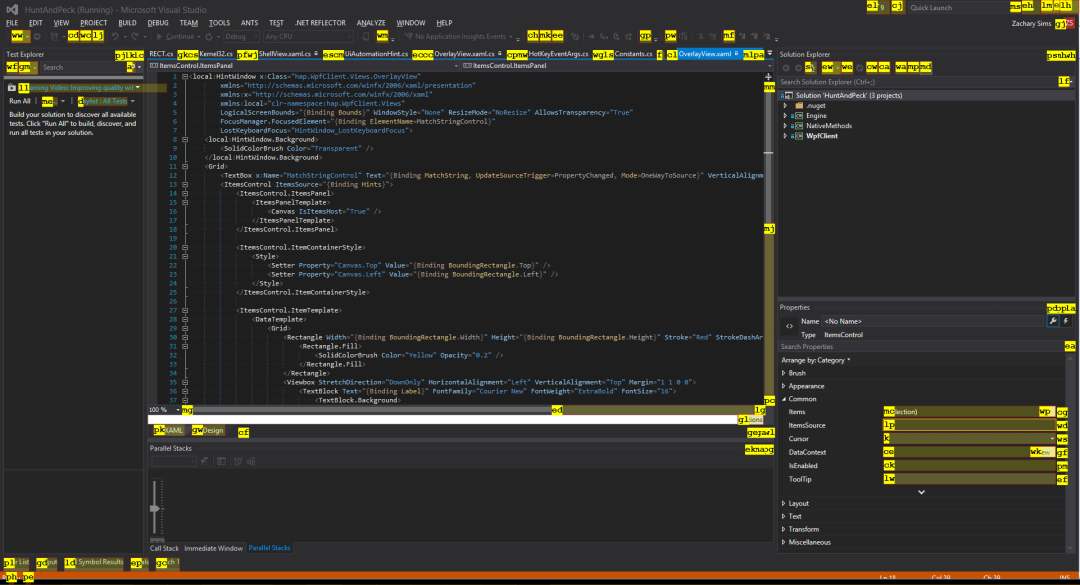
- Launch the executable.
- With any window focused, press Alt + ;
- An overlay window will be displayed, type any of the hint characters you see.
Alternatively, Hunt and Peck can be launched via the command-line or AutoHotKey by specifying /hint:
hap.exe /hint
Only UI Automation elements with "Invoke" patterns are supported (and displayed).