Add overview of installing Ks on Linux#140
Conversation


Signed-off-by: Sherlock113 <sherlockxu@yunify.com>

| --- | ||
|
|
||
| [KubeSphere](https://kubesphere.io/) is an enterprise-grade multi-tenant container platform built on [Kubernetes](https://kubernetes.io). It provides an easy-to-use UI for users to manage application workloads and computing resources with a few clicks, which greatly reduces the learning curve and the complexity of daily work such as development, testing, operation and maintenance. KubeSphere aims to alleviate the pain points of Kubernetes including storage, network, security and ease of use, etc. | ||
| For the installation on Linux, KubeSphere can be installed both in clouds and in on-premises environments, such as AWS EC2, Azure VM and bare metal. Users can install KubeSphere on Linux hosts as they provision fresh Kubernetes clusters. The installation process is easy and friendly. Meanwhile, KubeSphere offers not only the online installer, or [KubeKey](https://github.com/kubesphere/kubekey), but also an air-gapped installation solution for the environment with no Internet access. |

There was a problem hiding this comment.
This is the first time I see clouds, are you sure it is correct?
There was a problem hiding this comment.
Why use or Kubekey here?
There was a problem hiding this comment.
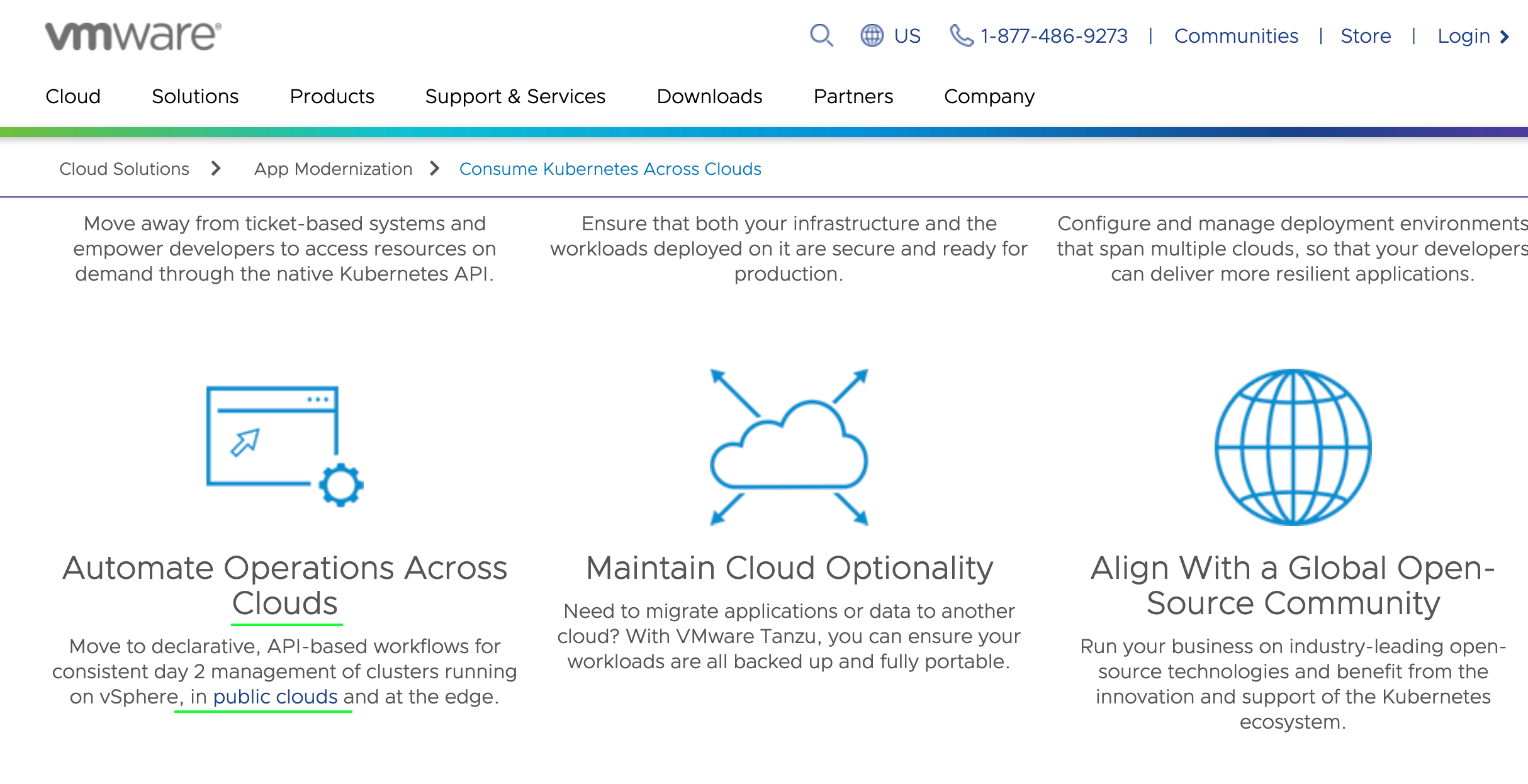
For the word "cloud", it can be used either as a countable noun or an uncountable noun. Here is a screenshot taken from the official website of VMWare:
There was a problem hiding this comment.
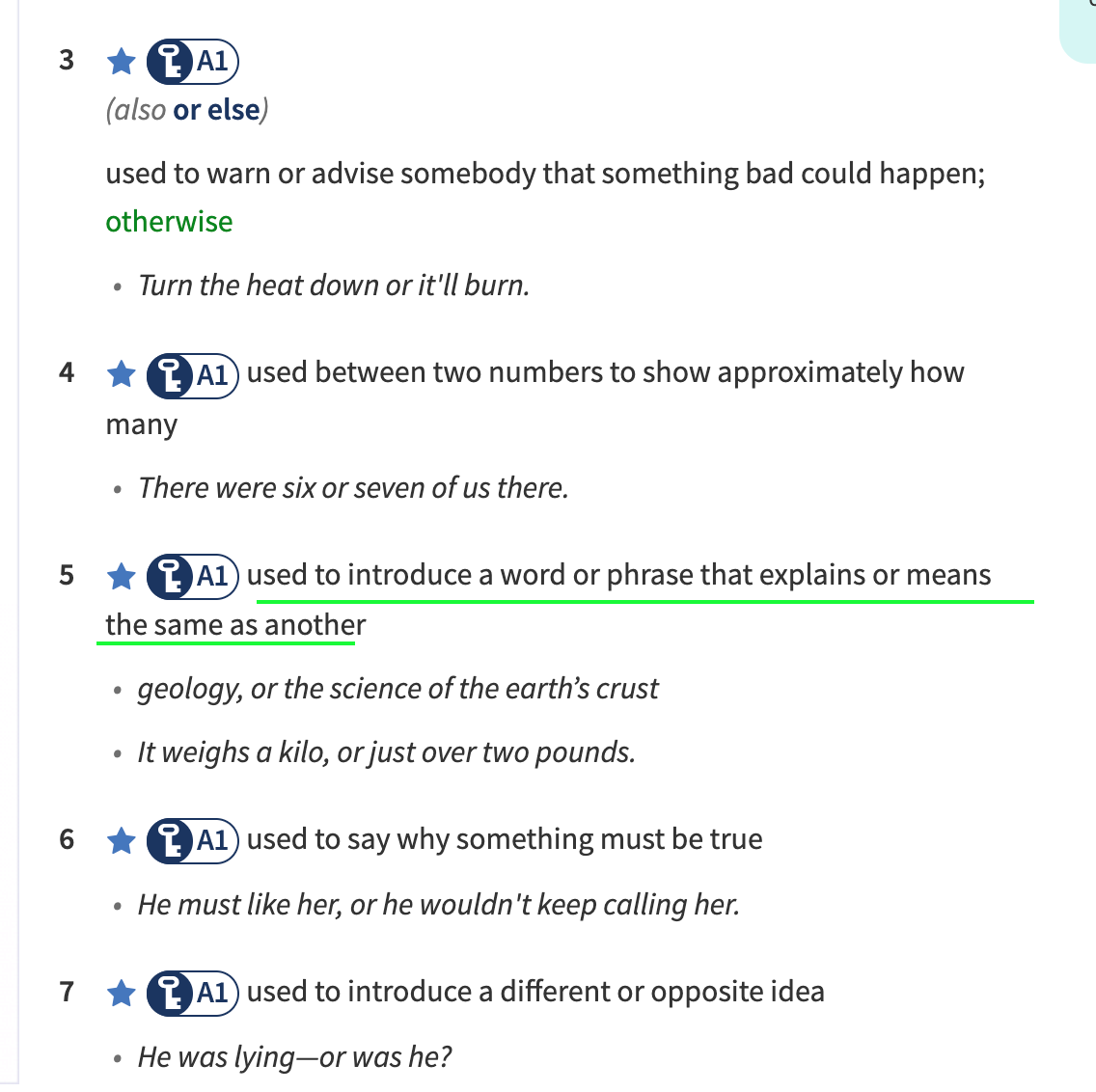
"or" here is not used to indicate an alternative. It does not mean "或" here. Rather, it means "namely" here.
"or" can be used to introduce a word or phrase that explains or means the same as another. In Chinese, it is "即". Here is the explanation from Oxford dictionary:
There was a problem hiding this comment.
Thanks a lot, understand.
| {{< notice note >}} | ||
|
|
||
| ### 1. Install KubeSphere on Linux | ||
| If you have existing Kubernetes clusters, please refer to [ks-installer](https://github.com/kubesphere/ks-installer). |
There was a problem hiding this comment.
Here we can provide a doc link instead of GitHub link, there is a chapter named installing KubeSphere on existing K8s
|
|
||
| Three scenarios to use KubeKey: | ||
|
|
||
| KubeSphere has decoupled some components since v2.1.0. The installer only installs required components by default which brings the benefits of fast installation and minimal resource consumption. If you want to install any optional component, please check the following section [Pluggable Components Overview](../intro#pluggable-components-overview) for details. |
There was a problem hiding this comment.
My suggestion: install any optional component => enable the enhanced pluggable functionalities
| KubeSphere installer supports installing a highly available cluster for production with the prerequisites being a load balancer and persistent storage service set up in advance. | ||
| For air-gapped installation, please refer to [Install KubeSphere on Air Gapped Linux Machines](../install-ks-on-linux-airgapped). | ||
|
|
||
| - [Persistent Service Configuration](../storage-configuration): By default, KubeSphere Installer uses [Local Volume](https://kubernetes.io/docs/concepts/storage/volumes/#local) based on [openEBS](https://openebs.io/) to provide storage service with dynamic provisioning in Kubernetes cluster. It is convenient for quick install of testing environment. In production environment, it must have a storage server set up. Please refer [Persistent Service Configuration](../storage-configuration) for details. |
There was a problem hiding this comment.
Persistent Service Configuration => Persistent Storage Configuration
| If your Kubernetes is ready, please refer [Install KubeSphere on Kubernetes](../install-on-k8s) for instructions. | ||
| - [Persistent Service Configuration](../storage-configuration): By default, KubeKey uses [Local Volume](https://kubernetes.io/docs/concepts/storage/volumes/#local) based on [openEBS](https://openebs.io/) to provide storage services with dynamic provisioning in Kubernetes clusters. It is convenient for the quick installation of a testing environment. In a production environment, it must have a storage server set up. Please refer to [Persistent Service Configuration](../storage-configuration) for details. | ||
| - [Load Balancer Configuration for HA installation](../master-ha): Before you get started with multi-node installation in a production environment, you need to configure load balancers. Either cloud LB or `HAproxy + keepalived` works for the installation. | ||
|
|
There was a problem hiding this comment.
cloud load balancer, Nginx, or HAproxy + Keepalived
|
|
||
| ### Add New Storage Classes | ||
|
|
||
| KubeKey allows you to set a new storage class after the installation. By default, the local volume of OpenEBS is adopted for persistent storage services. However, this is for development or testing purpose. It is recommended to change the default storage class in a production environment. |
There was a problem hiding this comment.
Replace By default, the local volume of OpenEBS is adopted for persistent storage services. However, this is for development or testing purpose. It is recommended to change the default storage class in a production environment. with You can set different StorageClass for KubeSphere itself and your workloads
Signed-off-by: Sherlock113 <sherlockxu@yunify.com>


2 participants


Signed-off-by: Sherlock113 sherlockxu@yunify.com
Replace kubesphere-retired/docs.kubesphere.io#753
Change some patterns for the new doc website