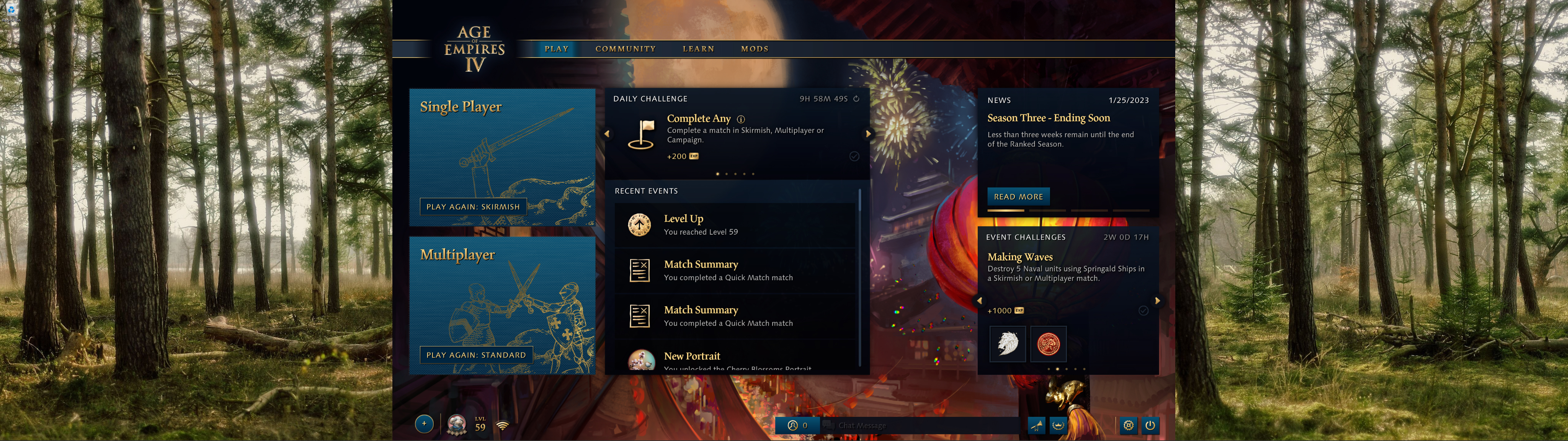
A tiny utility to simulate windowed borderless mode in Age of Empires IV for a 16:9 window on ultrawide monitors.
- "Game Window" in AOE4 should be set to "Windowed"
- You probably want "Lock Mouse to Window" set to on
- You'll need version 1 of Autohotkey installed unless you are using the exe available in releases
- You will need to manually run this every time you start AOE4.
- This will size the window to a 16:9 aspect ratio based on your desktop resolution
- Enable autohide taskbar
- Start the game and then run aoe4-window.exe or aoe4-window.ahk